
Apply a lifecycle management template manually
Applying a template by hand assigns numbers to a batch of users from a .csv file. This
is the method available on the Hosted Essential + license. The template must already
exist; see Create a lifecycle management template.
To apply a template to a batch of users:
-
On the Lifecycle Management Templates screen, select the template.

-
Check that the template is set to assign a number from the file.
-
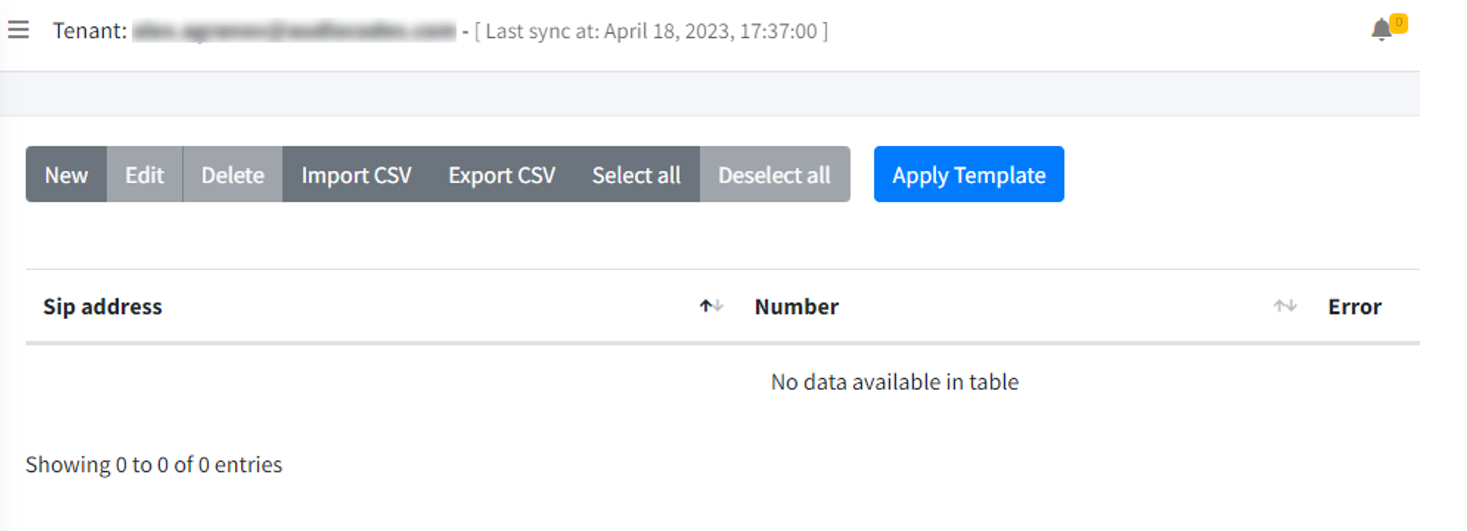
Click Import File.
-
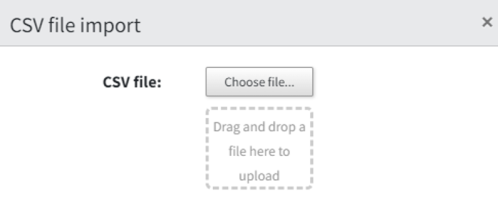
Click Import CSV.
-
Select your
.csvfile.The file has the following structure:
address,phone sip:christiec@m365x75268955.onmicrosoft.com,+13095550101 sip:adelev@m365x75268955.onmicrosoft.com,+13095550104 sip:lidiah@m365x75268955.onmicrosoft.com,+18585550110 -
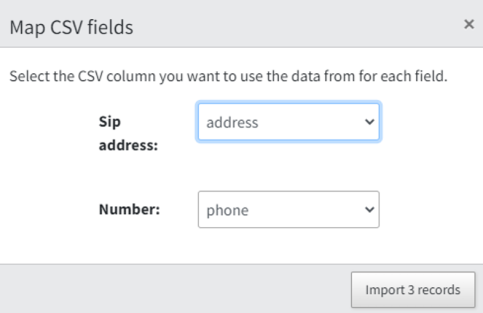
Check the column mapping.
-
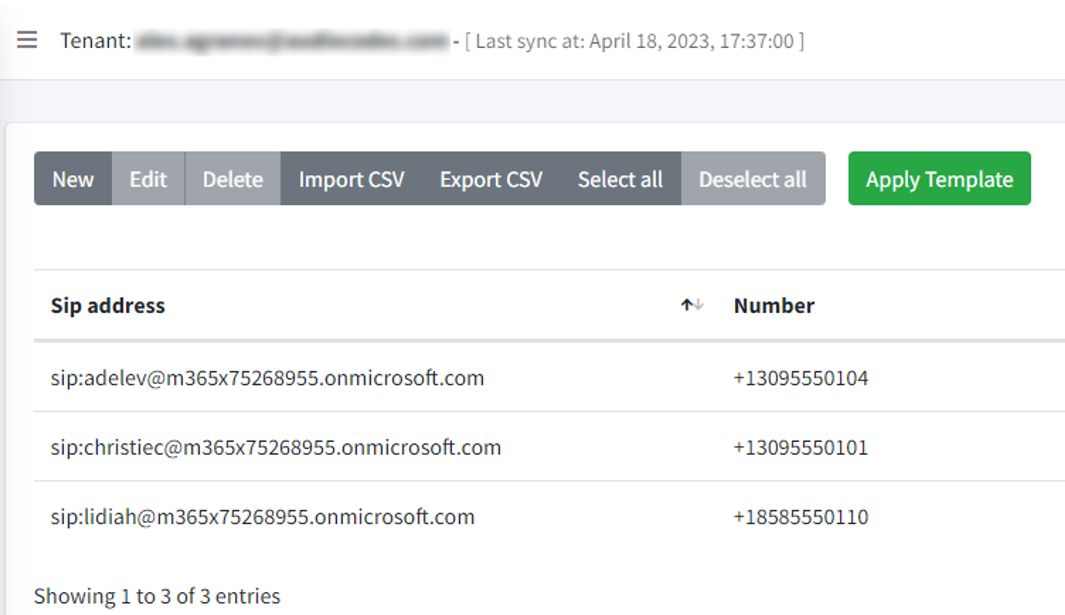
Click Import.
The imported entries appear in the table.
-
Click Apply Template.